


There are many desktop Linux distributions, and just as many opinions about which ones are best for beginners, gaming, low-end hardware, or general productivity. It can be all be overwhelming and confusing, so here’s my advice: start with Ubuntu or Fedora.
You may have heard that CachyOS is the best-performing distro, or that Linux Mint is the best option for beginners, or that Zorin OS is great for Windows converts, or you should definitely use Bazzite because it’s built for PC gaming. It’s great that those projects exist, but they can make the question of “how do I get away from Windows” far more complicated. Infinite diversity in infinite combinations is great—just ask the Vulcans—but the dozens of popular distros can make the initial first step into Linux a more daunting one.
If you want to try desktop Linux, my advice is to (temporarily) tune out the endless online arguments, and just pick Ubuntu Desktop or Fedora Workstation. If you decide later that you want a more customized computing experience, then it might be time to start distro hopping, but I strongly recommend starting with one of those two operating systems.
The case for Ubuntu
Ubuntu Desktop is arguably the ‘default’ Linux distribution. It’s a general-purpose Linux operating system, using a customized GNOME desktop environment and many GNOME system apps. It’s easy to install, has all the software you could want, and generally works well on any modern hardware.
One strong advantage for Ubuntu is the fixed release cycle with long-lasting updates. Do you want the latest and greatest desktop Linux experience? There are new Ubuntu releases every six months, usually in April and October. Are you tired of your computer changing constantly, or you value stability over all else? Stick to the LTS releases, and you don’t have to think about system updates for years at a time.

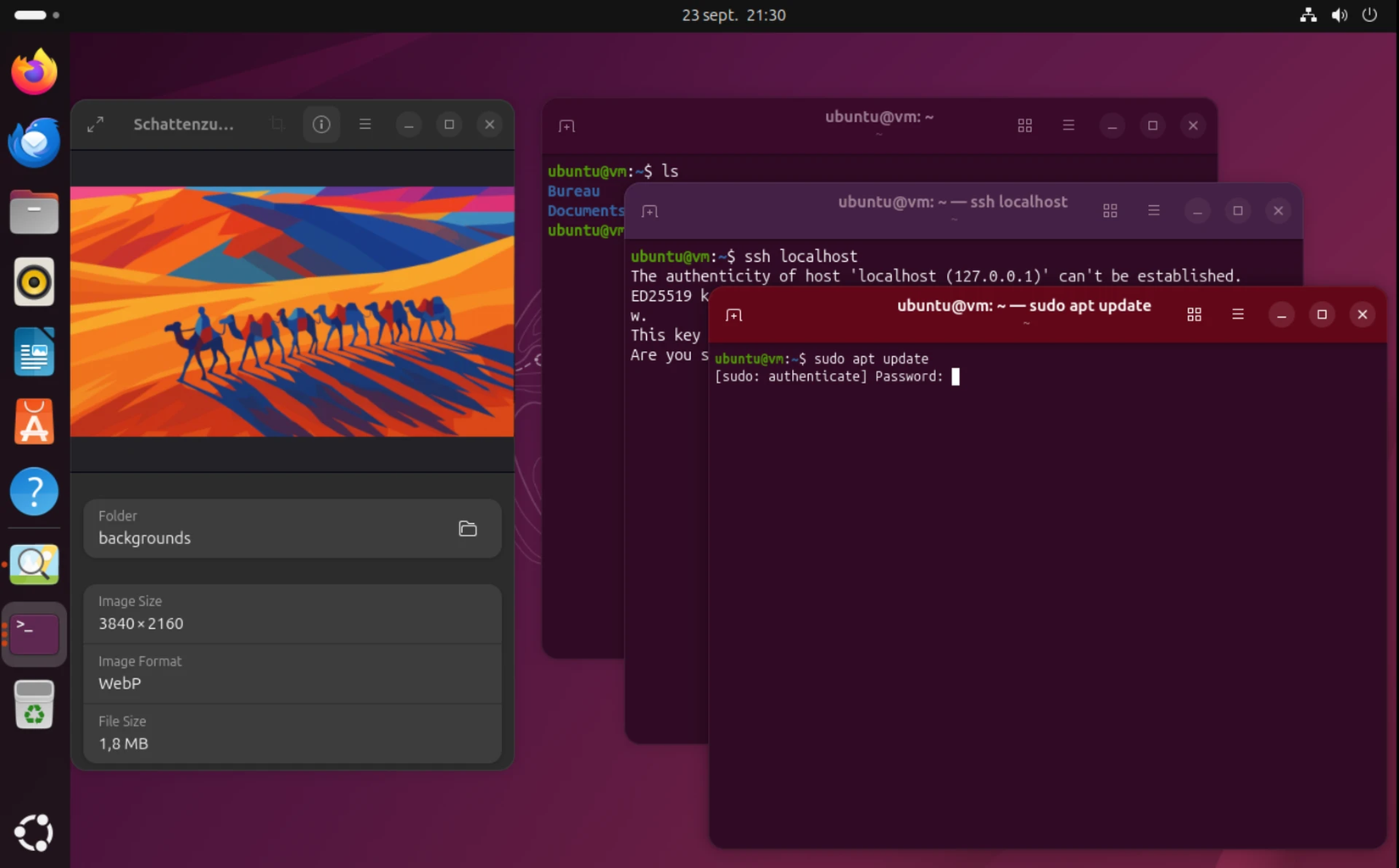
Ubuntu is a software product with corporate backing from Canonical, and it ships on various computers from Dell, HP, Lenovo, Alienware, and others. You’re getting an operating system that is stable, battle-tested, and secure by default, because it has to be that way for Canonical to successfully sell it to businesses and organizations.
The focus on enterprise customers doesn’t mean Ubuntu is free from bugs, or Canonical always makes the best decisions, but I feel better about recommending it than the distributions maintained by small teams with fewer resources. Bazzite or Zorin OS might not be around in three years, but Ubuntu almost certainly will.
If you don’t like how Ubuntu’s desktop environment looks or works, there are several official variants you could try. I don’t want to stray too far from the straightforward recommendations, so I’ll just call out Kubuntu as the main alternative to Ubuntu Desktop. It uses KDE with the Plasma desktop instead of GNOME, with a more Windows-like taskbar and application menu.
If you end up using Ubuntu or one of its official flavors, I recommend setting up Flatpak and Flathub so you can install more applications. You should also download Steam from the official website if you plan to do some gaming—the version in the app store is a Snap package that isn’t fully supported by Valve.
The case for Fedora
The other best choice for an initial step into Linux is Fedora Workstation. It uses the same underlying GNOME desktop environment as Ubuntu and many of the same apps, but with fewer modifications than Ubuntu. It has a clean design, works well on a wide variety of hardware, and has most of the same software available as Ubuntu.
Fedora Linux has been around in its current form since 2003, and the project is sponsored by Red Hat, which in turn uses it as the foundation for Red Hat Enterprise Linux. Just like Ubuntu, this is a long-running software project that has consistently delivered a stable and secure operating system. However, it doesn’t have long-term support versions like Ubuntu—there are new major releases every six months, and each release receives updates for around 13 months.

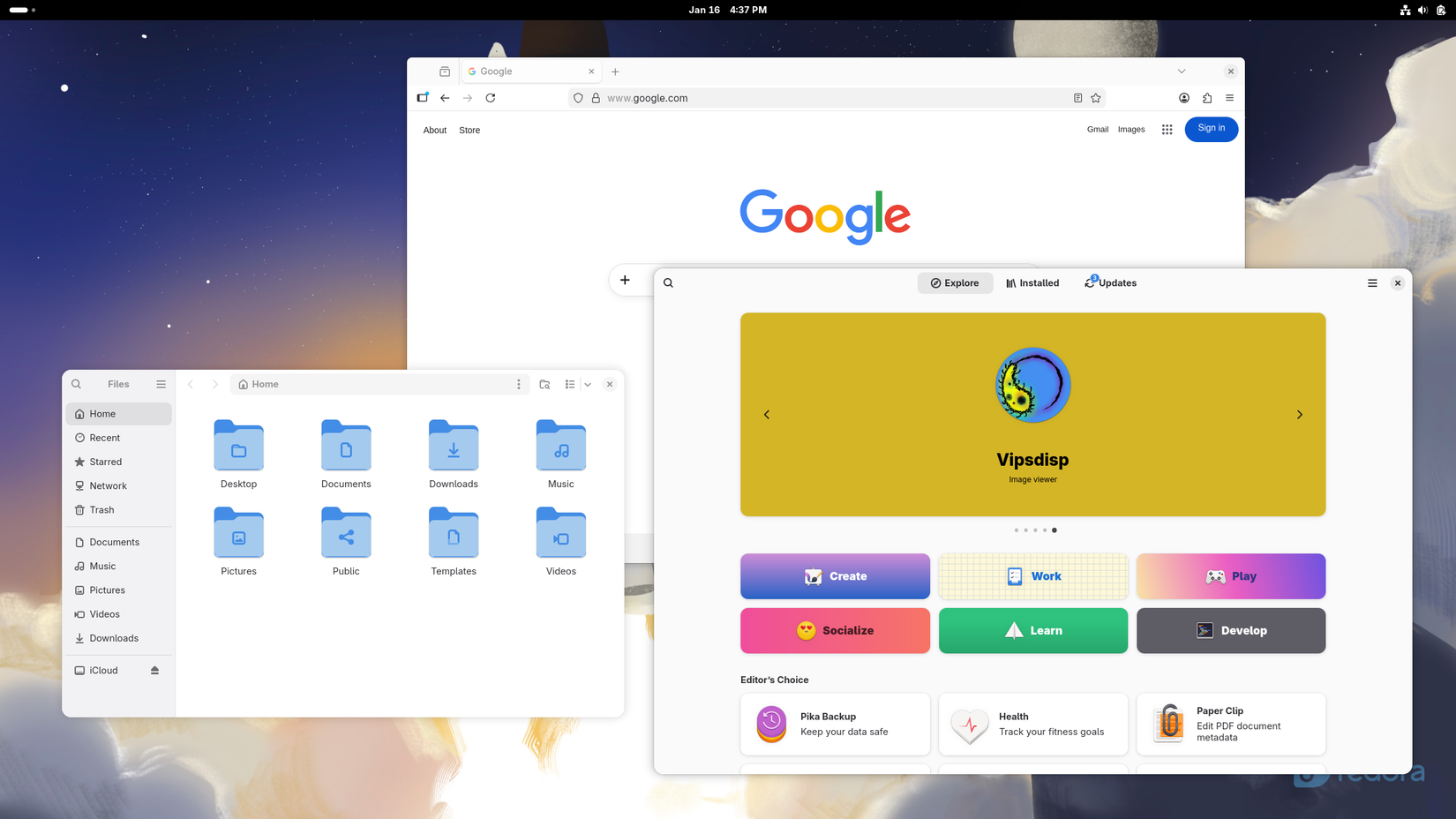
If you don’t like the default GNOME desktop environment, you can try one of the official ‘spins’ instead. They mostly work the same as regular Fedora, but they switch out the desktop interface and some of the apps. The Fedora KDE edition might be the best option for Windows converts, since it has a taskbar and other elements that might be more familiar than the GNOME desktop.
We all know that person who can easily break a full-blown Windows or Linux PC, and they might use (or be given) an iPad or Chromebook instead. Maybe you are that person. For that use case, get Fedora Silverblue. It’s an ‘atomic’ (immutable) system, meaning every application is sandboxed and the underlying system is safe from tampering. Even a faulty system upgrade won’t break your computer—Fedora just rolls back to the previous version, like most Android phones and Chromebooks.
You can still switch distros
I recommend starting with Ubuntu or Fedora because they’re both general-purpose distributions that are extensively tested and well-supported. Both distros can handle productivity work, gaming, web browsing, and media streaming. They’re great entry points into the Linux ecosystem that should ‘just work’ for nearly everything you want.
As you use Ubuntu or Fedora, you might find out that you don’t like the GNOME desktop environment, or something else about those operating systems. That’s when you might want to explore other Linux distros. By that point, you will have a baseline understanding and have ideas for what to try next.
The great news is that switching Linux distributions is much easier than switching to Linux from another operating system. If an app or tool you need isn’t in a one distribution’s built-in package list, it’s probably available through Flatpak and Flathub. The days of “this app is only on Ubuntu or Debian unless I compile it myself” are mostly over, thankfully.
In conclusion: if you are a Linux newcomer, pick Ubuntu or Fedora, then go from there.
link