


Choosing a Linux-based secondary operating system can feel overwhelming, especially with so many excellent Linux distributions available. A secondary OS should strike a balance between familiarity and flexibility, providing a smooth way to explore new software or rescue your system when the primary OS has issues. It doesn’t need to replace your primary OS, but it should work well as a reliable companion.
Three standout options are Linux Mint, Fedora KDE Plasma Edition, and Ubuntu Cinnamon. Each has unique strengths that make it worth considering, but only one emerges as the best fit for most users. By looking at how each performs in everyday use, I’ve found that Ubuntu Cinnamon is the strongest candidate to fill this role.
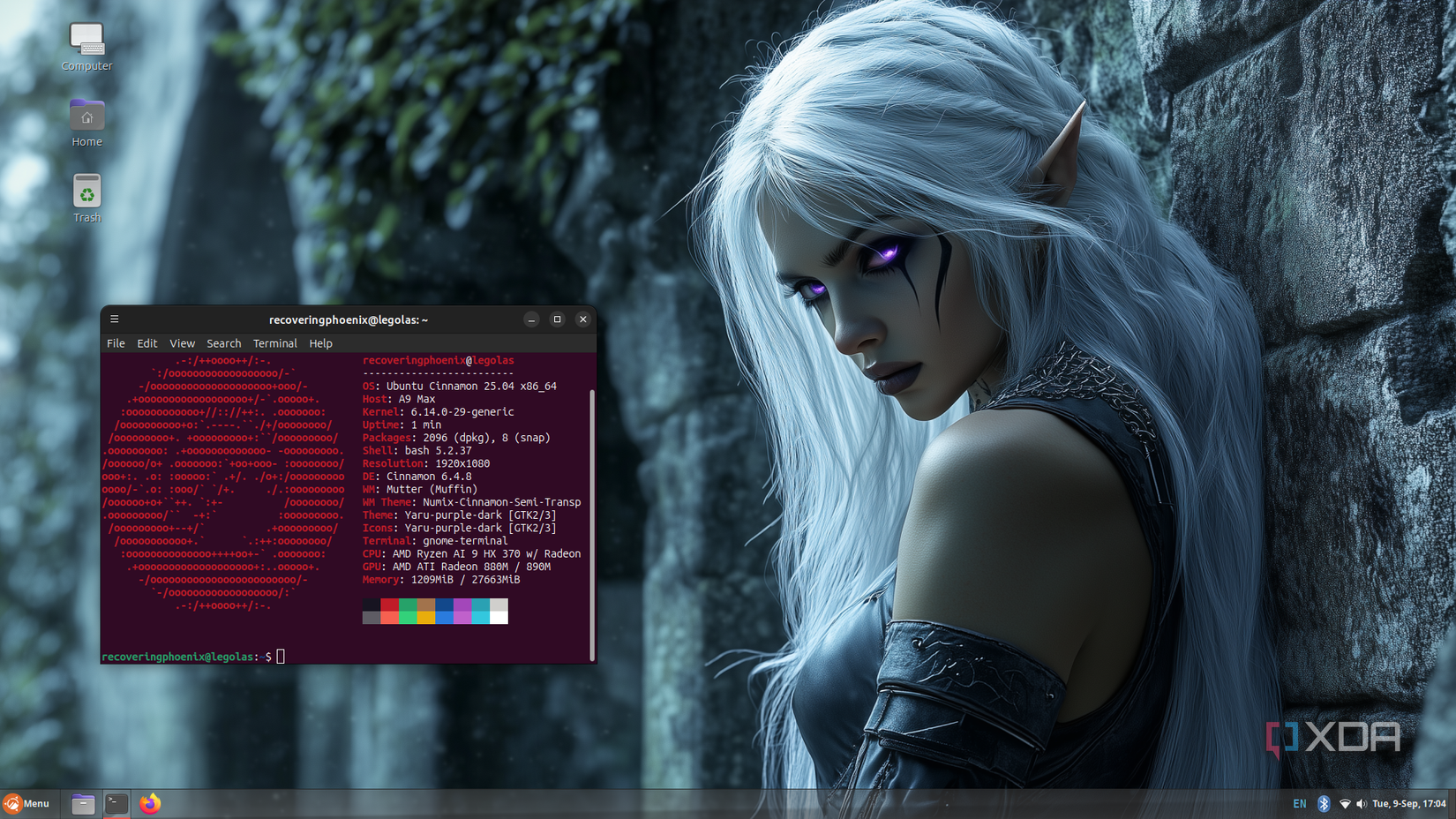
Ubuntu Cinnamon strikes the right balance by combining the familiar interface of Cinnamon with Ubuntu’s stability.”
Linux Mint offers comfort and simplicity
Why Linux Mint is popular with beginners
Linux Mint has long been praised as the distribution that makes Linux approachable. The Cinnamon desktop it ships with is polished, intuitive, and familiar to users coming from Windows. Its focus on simplicity means you can sit down at a Mint system and be productive almost immediately. The team also puts extra effort into minor refinements, like better multimedia support and easy driver installation.
One of Mint’s biggest strengths is its lightweight design. It doesn’t demand much from your hardware, making it an ideal option for older PCs or systems with limited resources. The Cinnamon desktop strikes a balance between visual polish and efficiency, providing users with a modern experience that doesn’t compromise performance. This resource-conscious approach helps Mint remain one of the most popular beginner-friendly Linux distributions.
Still, Mint has some drawbacks that keep it from being the perfect secondary OS. Its release cycle can lag behind Ubuntu’s when it comes to hardware enablement, meaning newer devices may take longer to fully work. While its package manager is easy to use, it doesn’t always offer the very latest applications. For those who prioritize hardware compatibility and up-to-date software, Mint may feel a step behind.
Fedora KDE Plasma Desktop pushes the edge
Why Fedora is appealing to advanced users
Fedora with the Plasma desktop is designed for those who want the latest technologies in Linux. The KDE Plasma desktop is known for its flexibility, allowing users to adjust everything from the panel layout to desktop effects. If you enjoy tailoring your computing environment, Plasma gives you almost unlimited options. Fedora pairs that customization with a consistently modern base system.
Fedora Plasma delivers cutting-edge technology, but its rapid updates can feel overwhelming for users who want stability.
The Fedora project is often one of the first to adopt new technologies, such as Wayland and updated kernels. That makes it attractive for users who want early access to improvements in graphics drivers, system performance, and security features. Fedora’s frequent updates ensure that the system remains fresh and capable of running the latest applications. It also benefits from Red Hat’s backing, which lends it strong credibility in the Linux ecosystem.
However, Fedora’s rapid pace is not without trade-offs. Updates can occasionally introduce bugs or compatibility issues, which may require troubleshooting. While this appeals to advanced users who like experimenting, it makes Fedora less practical for those seeking a stable fallback system. As a secondary OS, it may require more maintenance than some users are willing to handle. For many, Fedora is better suited as a primary OS for testing rather than a backup environment.
Ubuntu Cinnamon blends the best
Why Ubuntu Cinnamon is a strong contender
Ubuntu Cinnamon combines the Cinnamon desktop experience with Ubuntu’s reliable foundation. For those who already love Cinnamon in Linux Mint, this distribution offers the same familiar interface without giving up the advantages of Ubuntu. It delivers access to Ubuntu’s massive repositories, ensuring that the latest applications and drivers are easy to install. This blend makes Ubuntu Cinnamon an attractive option for both newcomers and experienced Linux users.
Another advantage is Ubuntu Cinnamon’s recognition as an official Ubuntu flavor. This status guarantees consistent support, including long-term support (LTS) releases that provide years of security updates. With features like the modern Flutter-based installer and Cinnamon 6.0 enhancements, Ubuntu Cinnamon feels polished and future-ready. These improvements make it clear that the project is more than a niche experiment—it’s a well-supported choice for daily use.
Hardware compatibility is another area where Ubuntu Cinnamon shines. Since it follows Ubuntu’s release schedule closely, it benefits from timely kernel and driver updates. That makes it more reliable for use on new laptops and desktops compared to Mint, which can lag slightly. While you could add Cinnamon on top of standard Ubuntu, Ubuntu Cinnamon saves you the extra work by providing a clean, integrated experience right from installation.
Why Ubuntu Cinnamon is the best choice
A secondary OS that fits every need

When selecting a secondary OS, the ideal candidate should combine ease of use with robust support. Linux Mint is simple and resource-friendly, but it sometimes trails behind in updates for new hardware. Fedora Plasma delivers cutting-edge technology, but its rapid updates can feel overwhelming for users who want stability. Ubuntu Cinnamon stands out because it balances familiarity, modern software support, and reliable updates in one package.
|
Distribution |
Pros |
Cons |
|---|---|---|
|
Linux Mint |
Intuitive Cinnamon desktop, lightweight, great for beginners |
Hardware support can lag, package updates slower |
|
Fedora Plasma |
Cutting-edge tech, modern kernels, highly customizable desktop |
Faster updates may cause instability, more maintenance required |
|
Ubuntu Cinnamon |
Familiar Cinnamon desktop, Ubuntu’s strong hardware and package support, official flavor status |
Slightly newer project, smaller community than Mint or main Ubuntu |
As an official Ubuntu flavor, Ubuntu Cinnamon inherits Ubuntu’s reputation for reliability and security. Its active community ensures that troubleshooting help is easy to find, and its long-term support options give users flexibility in how they manage upgrades. This is particularly useful for a secondary OS, where stability is often more important than bleeding-edge features. It allows users to choose between staying up-to-date or settling into a more predictable rhythm.
Ultimately, Ubuntu Cinnamon doesn’t ask you to compromise. It gives you the Cinnamon desktop you enjoy, with the assurance that Ubuntu’s package ecosystem and hardware support bring. That makes it appealing whether you’re a beginner exploring Linux or an advanced user who wants a dependable fallback. It is polished, dependable, and capable of filling the role of the perfect secondary OS.
Wrapping up the secondary OS choice
Linux Mint and Fedora Plasma each provide compelling reasons to consider them, but neither strikes the same balance that Ubuntu Cinnamon achieves. Its combination of a familiar desktop, robust hardware support, and integration with Ubuntu’s ecosystem makes it a clear standout. If you’re looking for a secondary OS that complements your primary system without introducing headaches, Ubuntu Cinnamon is the one to choose.
link