


The sheer diversity in Linux distributions is the reason many computing enthusiasts (including yours truly) dive into the distro-hopping rabbit hole. The best part? As you continue to dig deeper into the Linux ecosystems, you start to encounter distros that vary from really fun to use distros to absolute nightmare fuel (and sometimes, even both). However, many of these seemingly obscure distributions have started to become popular lately, with immutable operating systems being a prime example.
SteamOS, for instance, has made immutable distros a lot more accessible to the general audience. But having spent hundreds of hours tinkering with NixOS, VanillaOS, and Fedora Silverblue, I must admit that these seemingly game-changing distros have their own perks and quirks.
What are immutable distributions, anyway?
Hint: They’ve got read-only system files
Starting with the brass tacks, immutable distributions essentially lock down the core part of your OS. On typical distros, you could modify the system files (provided your user account has the right level of privileges). Immutable distributions, however, prevent you from tampering with the base operating system files. Even with all the admin powers of a root account, you still won’t be able to modify the core directories of the OS – and this unorthodox nature influences the other aspects of your setup.
For instance, you’ll have to follow entirely different methods for installing your favorite applications. Rather than going with apt, yum, or a typical package manager, you’ll have to rely on a packaging format – like Flatpak, Snap, or AppImage. If you don’t mind dealing with containerized services, you could go for the Distrobox wrapper and install apps inside an isolated environment. Or, in case your distribution allows it, you could try using rpm-ostree to configure your favorite packages, though it’s still a little complex compared to your average package manager (but more on that later).
They’ve got the upper hand when it comes to stability and security
Your core system remains unharmed by malware

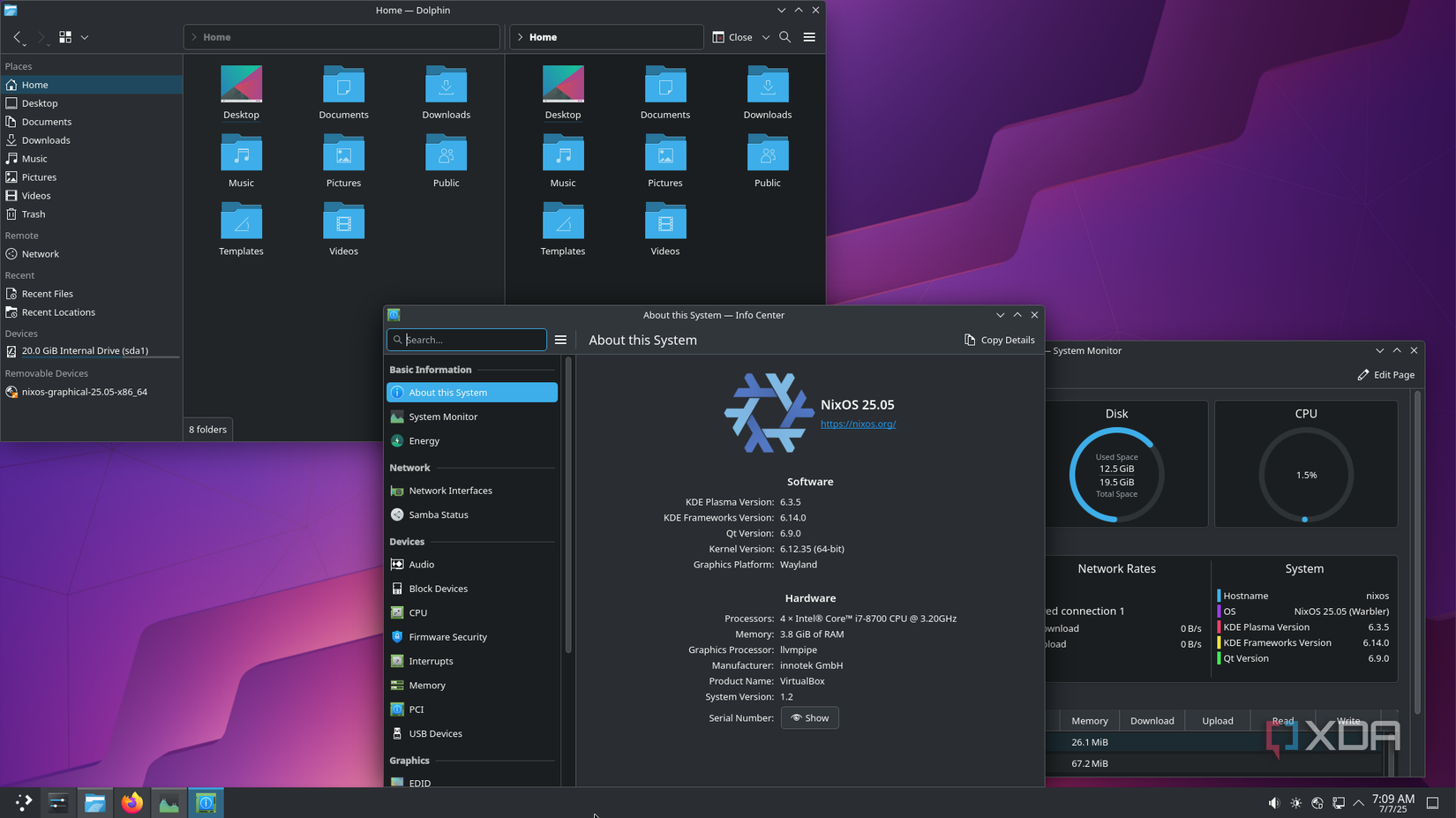
On any other operating system, the core OS files are often targeted by malware, though immutable distros are safe on that front. Since the main system directories, config files, and binaries are read-only, hackers can’t make any persistent modifications to them.
That doesn’t mean you’re entirely safe, as your user files can still get compromised by ransomware. But the fact that the core files remain unalterable by malware makes immutable distributions generally safer than their conventional counterparts. Throw in the isolated, containerized nature of most apps, and it’s clear that security-conscious folks might want to prefer immutable operating systems.
You can’t accidentally break immutable distros, either


Learning from your mistakes is the name of the game when it comes to Linux. Unfortunately, some failures are more catastrophic than others, and if you’re not careful, you can brick your Linux distro in less time than it takes to read this sentence. I’ve broken my fair share of setups, and most of them were caused by misconfigured system configs. That’s where immutable distributions truly shine, as they can protect my PC from its biggest threat: my tinkering heart.
You see, the locked-down directories in immutable distros can’t be accessed even with administrator privileges, making them more foolproof against accidentally executed terminal commands.
Failed updates are easier to fix

As much as I wish they were non-existent, faulty packages and broken updates are surprisingly common in the Linux ecosystem. If you’re particularly unlucky, you could end up with a broken update that renders your Linux distro unusable. Luckily, immutable distos have a couple of safeguards against faulty updates.
You’ve got the atomic update paradigm, where the entire OS is updated at once, and in case the image updation process fails, everything is rolled back to the last stable state. That way, you don’t have to worry about half-finished updates with broken packages. Likewise, you can revert to an older state manually whenever you want.
Immutable distros are far from flexible
Installing obscure apps is a pain

Like I mentioned earlier, setting up packages on immutable distributions requires a couple of workarounds. Flatpaks, in particular, are infamous for hogging tons of resources compared to their package manager-based counterparts. The rpm-ostree utility can outfit your PC with some essential apps, but if you want to install an obscure utility, you might end up dealing with missing dependencies and weird issues on immutable distributions – issues that can take quite a while to troubleshoot on a read-only distro.
Forget about hardcore customization


When it comes to desktop environments, you can modify quite a few options to tweak your immutable distro’s appearance, especially if you go with the all-powerful KDE Plasma. But with the core OS libraries remaining inaccessible, you can’t tweak every aspect of your Linux setup. If you’re someone who got into Linux because of the highly-customizable nature of these distributions, you might want to think twice about going with an immutable distribution.
Every fun Linux distro has its thorns
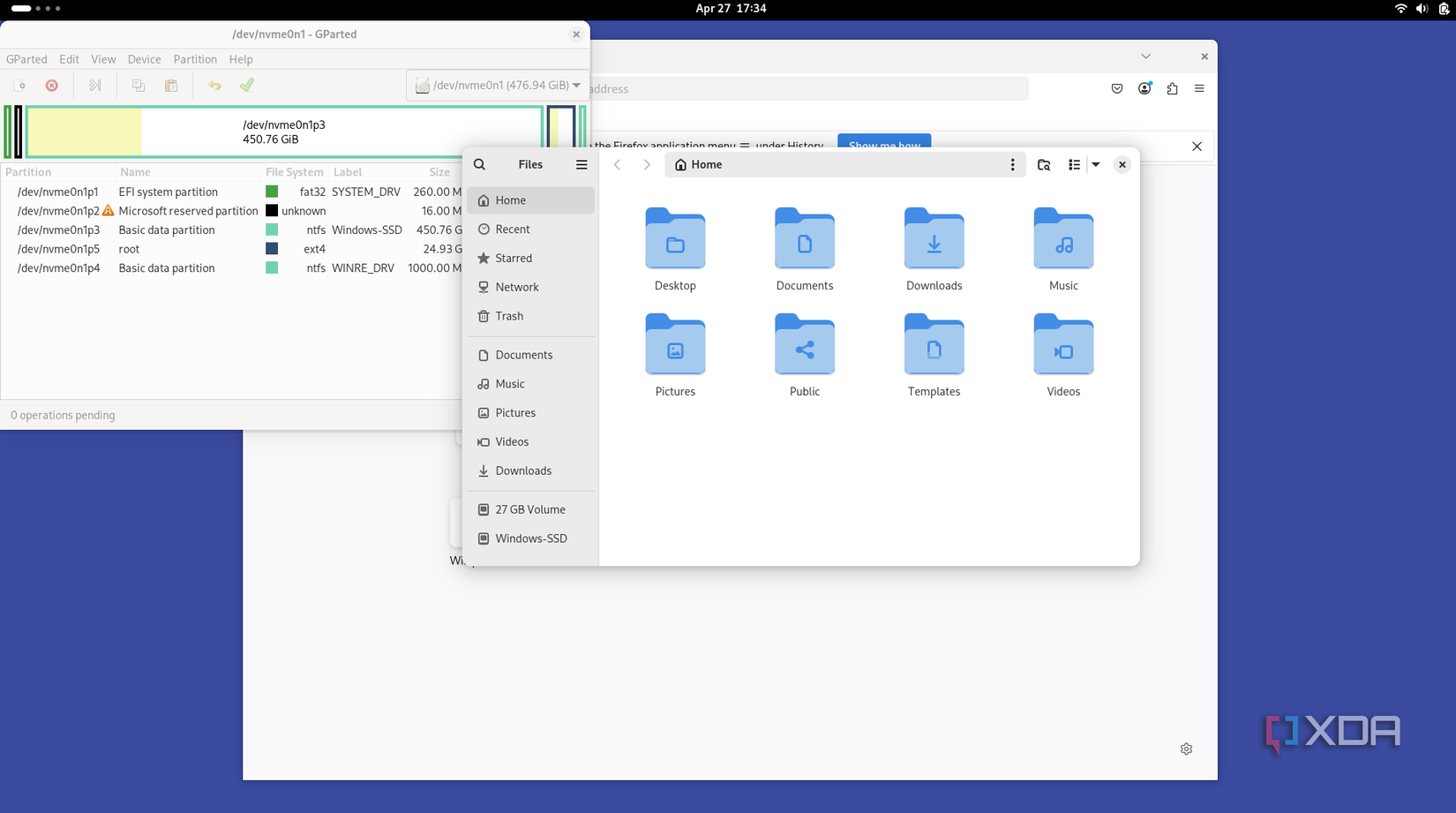
Immutable operating systems piqued my interest the moment I realized NixOS was one of them. Now that I’ve started tinkering with them, I can see why some of the community members adore them so much. While I wouldn’t go so far as to say that immutable distros will replace their normal counterparts, they are still a worthwhile option if you’re an everyday user who wants a stable and secure Linux experience.
link